Roles & Permissions
Athena ships four fixed roles — Admin, Operator, Helpdesk, and User — enforced by authorization policies across the console and API.
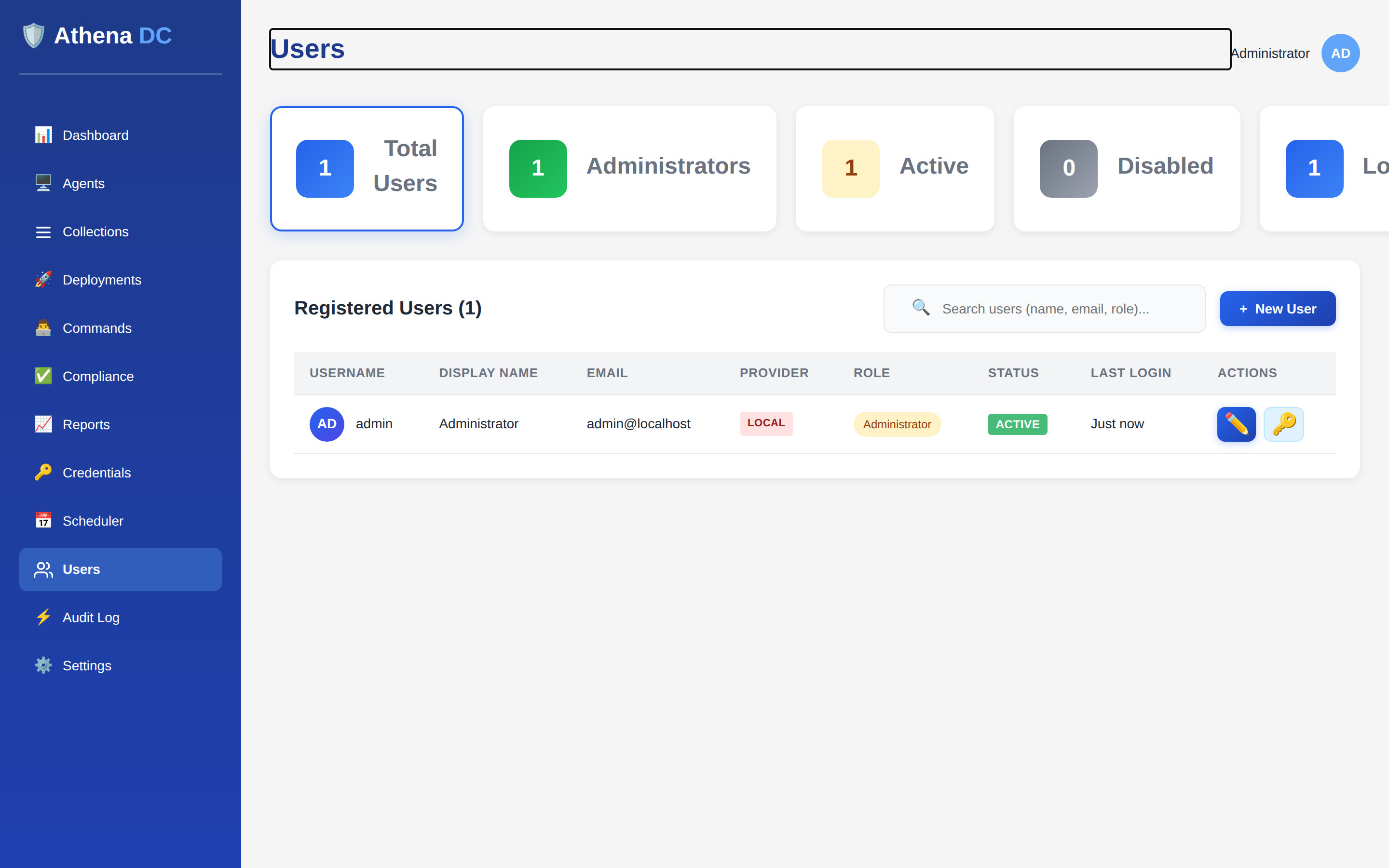
The four roles#
Each role grants a fixed set of capabilities. The table below summarizes what each role can do
per feature area. An em dash (—) means the role has no access to that area.
| Capability | Admin | Operator | Helpdesk | User |
|---|---|---|---|---|
| Users | CRUD | View | View | Self |
| Agents | CRUD | CRUD | View | — |
| Deployments | Execute | Execute | View | — |
| Commands | Execute | Execute | View | — |
| Scheduler | CRUD | CRUD | View | — |
| Settings | CRUD | View | — | — |
| Audit | View | View | View | Own |
Role detail#
Admin — full system access, including users and settings.
Operator — manage agents and execute deployments and commands, but cannot manage users or change settings (settings are view-only).
Helpdesk — read-only across most features, with no settings access.
User — their own profile and their own audit events only.
Access tiers#
Every endpoint and page is gated by the minimum role it requires:
- Admin only — Admin.
- Operator or above — Operator and Admin.
- Helpdesk or above — Helpdesk, Operator, and Admin.
Accounts & sign-in#
The first admin is seeded from the DefaultAdmin config section (default username
admin). Sign-in is governed by the following policies, which an Admin can adjust in
Settings → Security:
- Password policy: local passwords require at least 8 characters with an uppercase letter, a lowercase letter, and a digit; a special character can be required too.
- Lockout: accounts lock after 5 failed sign-ins for 15 minutes by default. A hard-lock threshold of 30 applies for repeated lockouts.
- Sessions: time out after a configurable idle period (ships at 3 minutes), bounded by the session token lifetime.
See Security Settings for the full list of options, defaults, and ranges, and how to change them from the console, the API, or PowerShell.
Day to day, an Admin clears a lockout from the console. If every admin is locked out — or a password is lost — use the break-glass Emergency Recovery endpoints from the server host to unlock an account, reset its password, or ban an abusive IP.