Athena Server is configured through appsettings.json. Values you save in the console go
to appsettings.local.json in the data directory, and environment variables override both
(sections use a double-underscore separator, e.g. Server__PublicUrl).
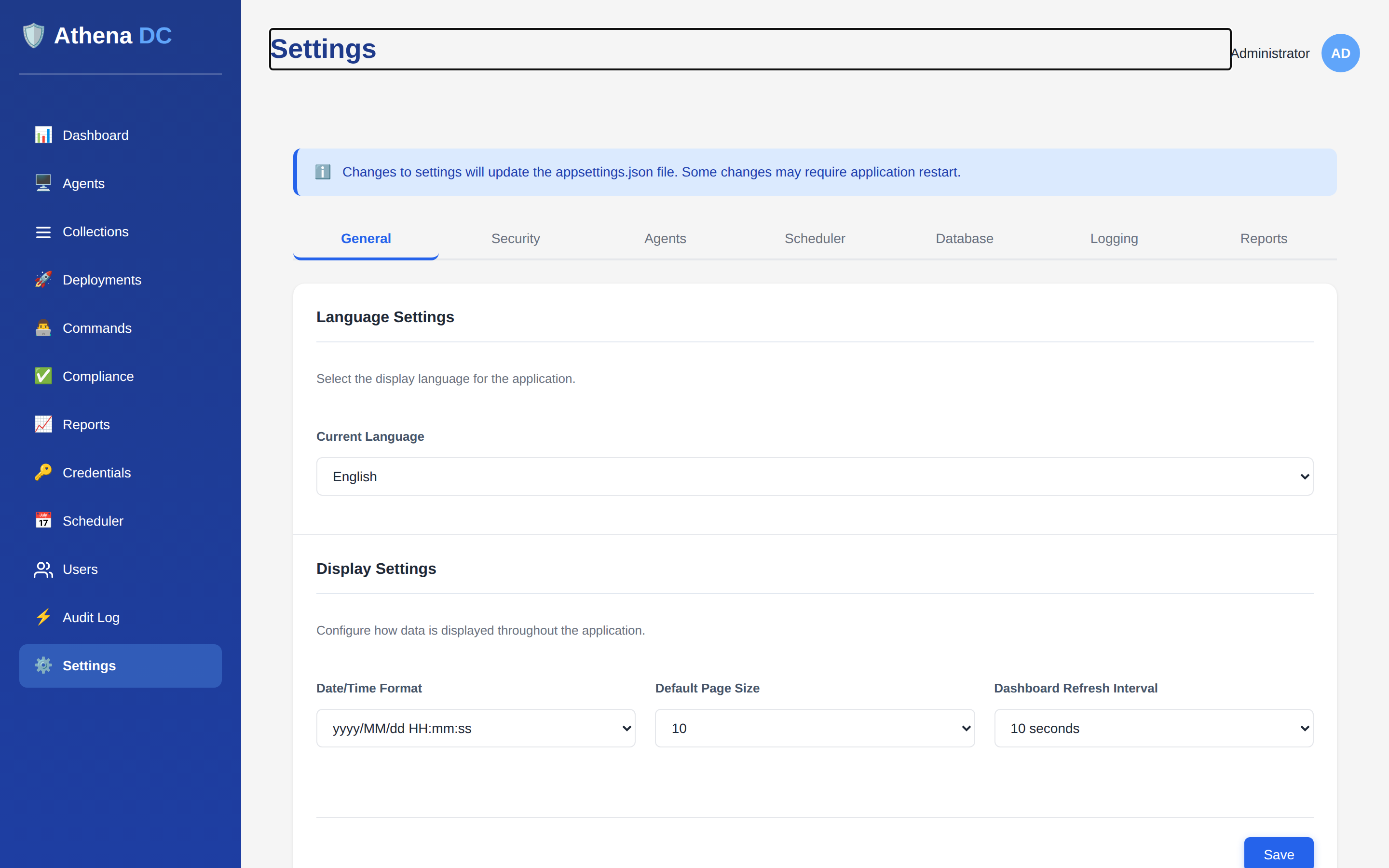
Settings → General — language and display options; each tab maps to a group of settings, saved to appsettings.local.json.
Settings are layered, with later sources overriding earlier ones. The precedence, lowest to
highest, is:
appsettings.json: the shipped defaults, baked into the image. The server never
writes to this file.
appsettings.<Environment>.json: an optional environment overlay, such as
appsettings.Production.json (the container runs as Production).
appsettings.local.json in the server's
data directory: every value you save on a
Settings tab is written here (/app/data/appsettings.local.json in the
container, or next to the server executable on a direct install). The file appears on the first save.
Changes are picked up without a restart, although the Settings page notes that some settings
still need one.
secrets.json in the data directory: per-install secrets the server generates on first
start.
Environment variables: ideal for secrets and host-specific values, passed to the
container with -e.
Command-line arguments passed when the server process starts (highest precedence).
Because appsettings.local.json sits above the shipped and environment files, a value saved
in the console beats them. An environment variable or command-line argument still beats a saved value.
When that happens, the save shows a warning; see
Configuration Override Warnings.
A nested JSON key maps to an environment variable by joining the section and key names with a
double underscore. For example, the Server:PublicUrl setting is overridden by:
Server__PublicUrl=https://athena.example.com:8443
Keep secrets out of config files
Provide Jwt__Secret and RemoteSession__Turn__StaticAuthSecret as
environment variables rather than writing them into appsettings.json. The JWT
secret signs the console's login tokens and the TURN secret authorizes remote-session relay
credentials — treat both like passwords.
The Database section selects the storage provider and connection.
Key
Default
Notes
Provider
Sqlite
Default. Also supports PostgreSQL.
ConnectionString
Data Source=athena.db
Provider-specific connection string.
HeartbeatBatchDelayMs
3000
Batching window for agent heartbeat writes, in milliseconds.
SQL Server is not shipped — only the SQLite and
PostgreSQL provider plugins exist. For a step-by-step guide to running on
PostgreSQL — the connection string format, schema creation, and how to verify it — see
Using PostgreSQL for the Database.
The Server section controls the listening ports, TLS and the externally reachable URL.
To replace the auto-generated certificate with your own and run behind a reverse proxy, see
Server TLS Certificate.
Key
Default
Notes
WebPort
8443
Web console / API port.
ApiPort
8444
Agent gateway port (gRPC over HTTP/2).
TlsEnabled
true
Terminate TLS on Kestrel.
Hostnames
—
Hostnames the server answers on.
WebCertPath
—
Path to the server TLS certificate (PFX).
WebCertPassword
—
Password for the PFX certificate.
PublicUrl
—
Externally reachable base URL, e.g. https://athena.example.com:8443.
An Admin can review and change the session, lockout, and password-policy values from the console
or API without editing this file — see Security Settings.